



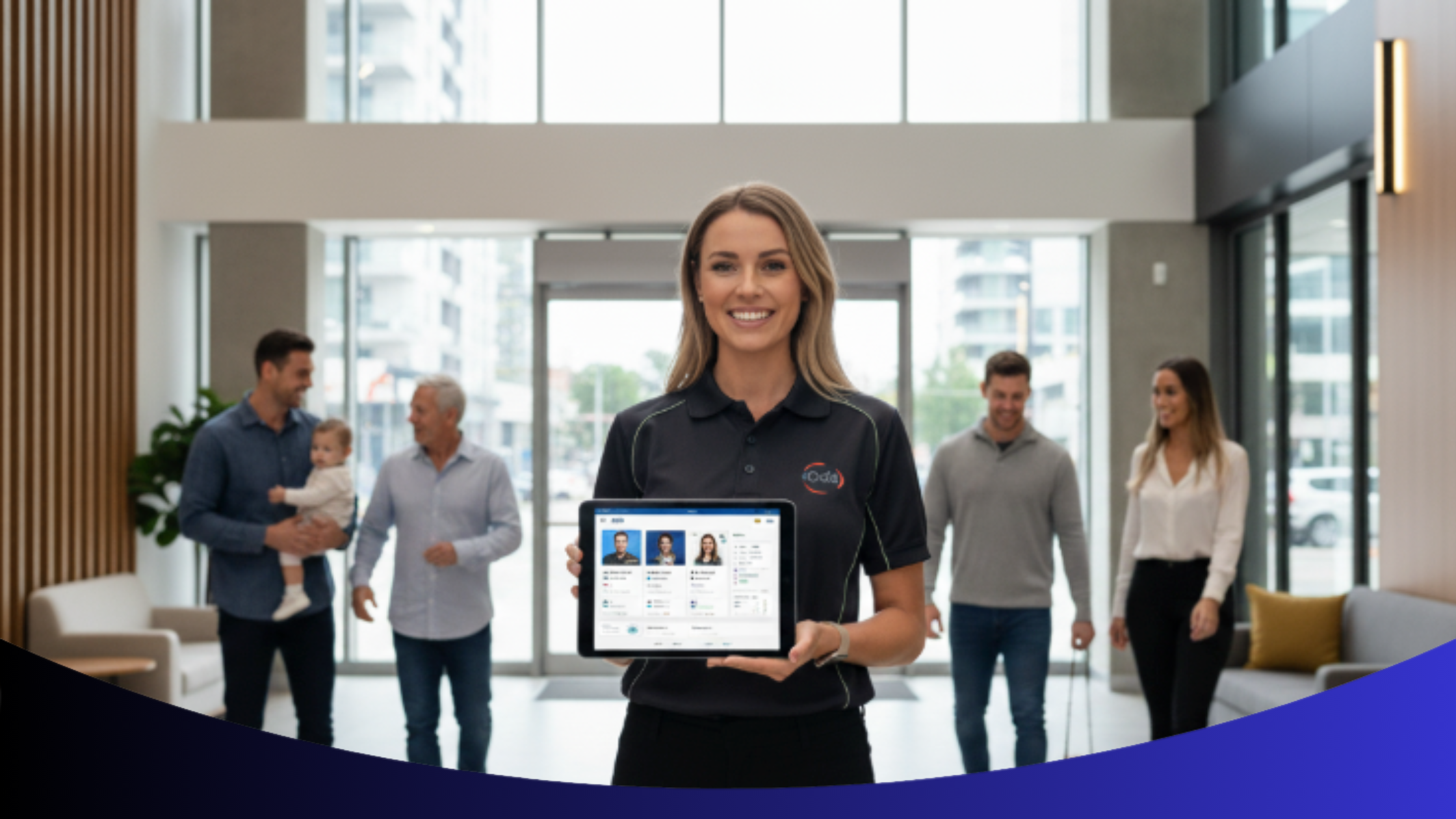
Do You Really Know Who’s Inside Your Building?
For building and strata managers, that’s not a rhetorical question — it’s a legal, safety, and operational necessity.
Knowing who lives and works inside your property underpins everything: compliance accuracy, emergency readiness, and day-to-day communication. Yet, for most managers, occupant data lives in silos — Excel sheets that never get updated, forms sitting in inboxes, and handwritten lists taped to office walls.
The result? Confusion during emergencies, miscommunication with tenants, and compliance audits that turn into firefights instead of formalities.
Let’s take a look at what happens when occupant information isn’t centralized — and how Ordit’s Occupants Tab changes that story.
The Cost of Disconnected Occupant Records
When your occupant data is scattered, every task takes longer — and every decision becomes riskier.
Here are four common problems that managers face daily:
- Delayed Emergency Response: Without a real-time occupant list, it’s impossible to confirm who’s inside the building during a crisis.
- Inconsistent Communication: Messages go to the wrong people or get missed entirely, frustrating residents and damaging trust.
- Failed Compliance Checks: Missing or outdated records can cause you to fail audits or violate strata regulations.
- Wasted Time: Managers lose hours cross-referencing spreadsheets and chasing updates that should have been automated.
In a recent Propmodo article, experts noted that incomplete occupant data leads to “avoidable liability and inefficient building oversight.” That’s exactly what Ordit was built to eliminate.
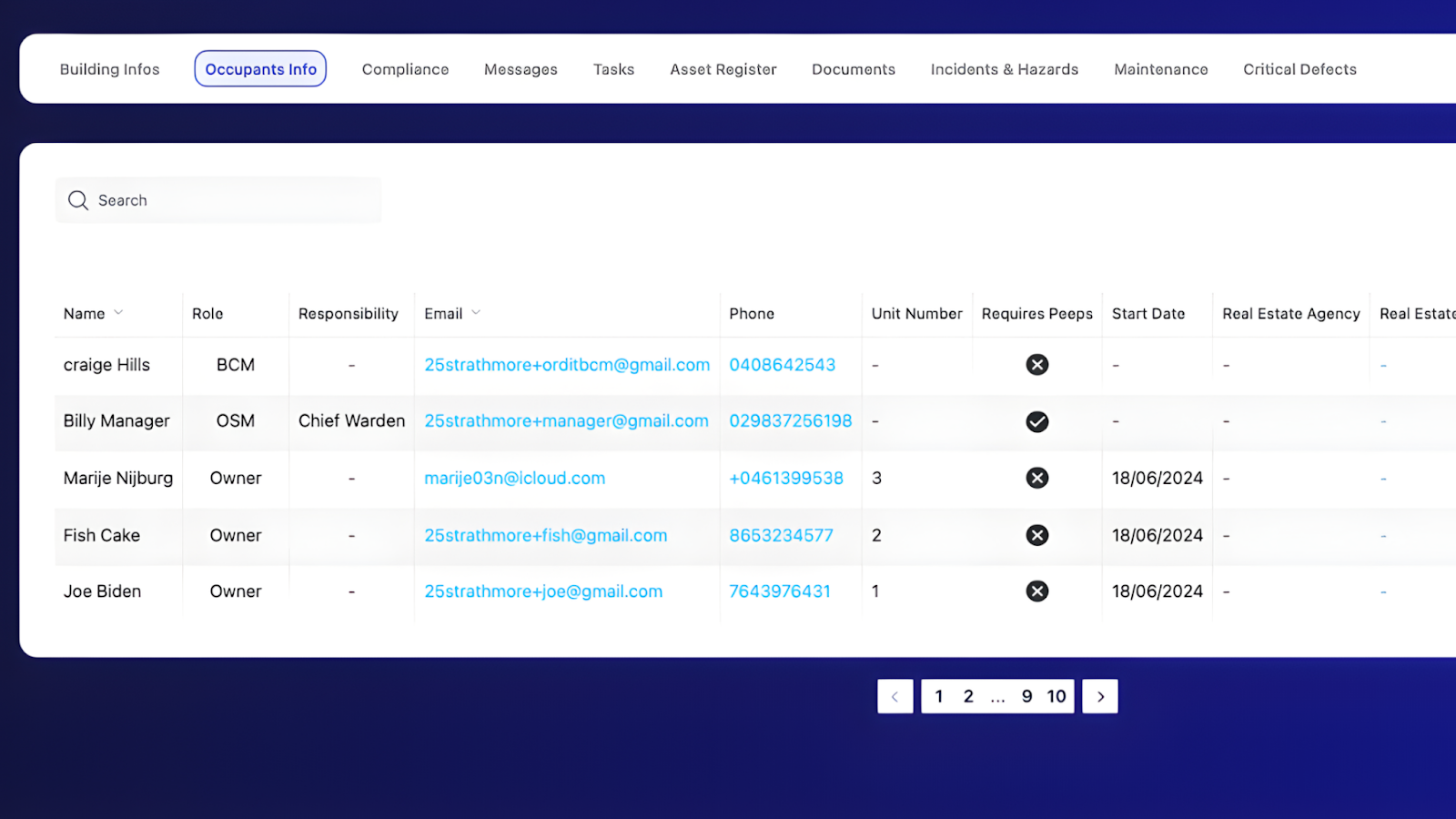
Introducing the Ordit Occupants Tab
The Occupants Tab is your building’s live directory — one secure, centralized space for every resident, staff member, and contractor connected to the property.
Here’s what it allows you to do in seconds:
Occupant Overview
View every occupant’s name, role, contact info, and unit number at a glance.
Gives managers immediate visibility across all tenants.
Role-Based Records
Assign specific roles like BCM, Fire Warden, or Contractor.
Clarifies responsibility and enhances safety coordination.
Pet-Friendly Tagging
Keep track of registered pets alongside their owners.
Builds a people-first, community-focused environment.
Contact Management
Update emails and phone numbers directly in the app.
Reduces outdated data and ensures faster communication.
Search Function
Filter and find residents instantly by name or role.
Cuts search time during emergencies or updates.
With Ordit, your occupant data isn’t just stored — it’s structured, searchable, and always accurate.
How to Add and Edit Occupants
The app was designed for simplicity. You don’t need training or IT assistance — just a few clicks.
To Add a New Occupant
- Click + New Occupant.
- Enter their name and email address.
- Choose their role (e.g., Owner, Tenant, BCM).
- Press Send Invitation.
The occupant instantly receives a secure link to join your building’s record.
To Edit an Occupant
- Click the occupant’s name from the list.
- Update their contact details or designation.
- Adjust their role or safety officer status if needed.
- Press Update to save instantly.
Everything syncs in real time across your management dashboard — no more version control issues or missing updates.
For a full visual walkthrough, see our detailed blog on Ordit for On-Site Managers, where this feature integrates seamlessly into daily operations.
Why This Matters for Building Management
Centralized occupant data isn’t just convenient — it’s strategic infrastructure.
A study by Facility Executive found that digital tenant management systems reduce response time by 40% and improve safety compliance reporting by 30%.
That means faster communication in emergencies, fewer data discrepancies, and better service delivery.
In Ordit, the Occupants Tab doesn’t operate in isolation — it’s integrated with:
- Incident and Hazard Reports for linked response tracking
- Messages for bulk or targeted communications
- Building Compliance for direct audit references
This interconnected approach means every action is recorded, every occupant is accounted for, and every safety measure can be verified.
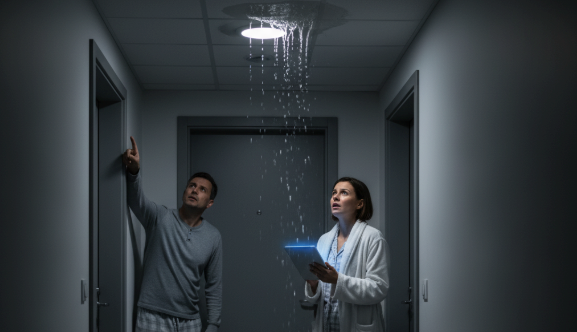
How Ordit Brings Clarity to Chaos
Imagine receiving a late-night alert about a leak in a unit. Instead of scrolling through messages or calling multiple people, you log into Ordit and immediately see:
- Who occupies the affected unit
- Their contact details
- Whether they have pets or accessibility needs
- Linked maintenance tasks
In less than a minute, you’ve coordinated the response, informed the tenant, and logged the incident — all from the same platform.
That’s real-time management done right.
From Reactive to Proactive Management
With the Occupants Tab, building managers move beyond firefighting. You’re no longer chasing information — you’re using it to stay ahead.
Here’s what that shift looks like:
Before Ordit
Scattered occupant records
Missed safety roles and contact info
Manual updates and delays
Constant cross-checking
With Ordit
Centralized live directory
Complete accountability mapping
Automated synchronization
One dashboard, one source of truth
Ordit gives you the structure to manage confidently and the insight to lead effectively.

Know Every Person, Every Time
Managing a building is about more than bricks and systems — it’s about people. When you know exactly who’s inside, you build trust, accountability, and safety from the ground up.
The Occupants Tab is more than a database — it’s your foundation for smarter, safer, people-first building management.
Gain clarity and control over every person in your building.
Book your free Ordit demo today and see how effortless occupant management can be.